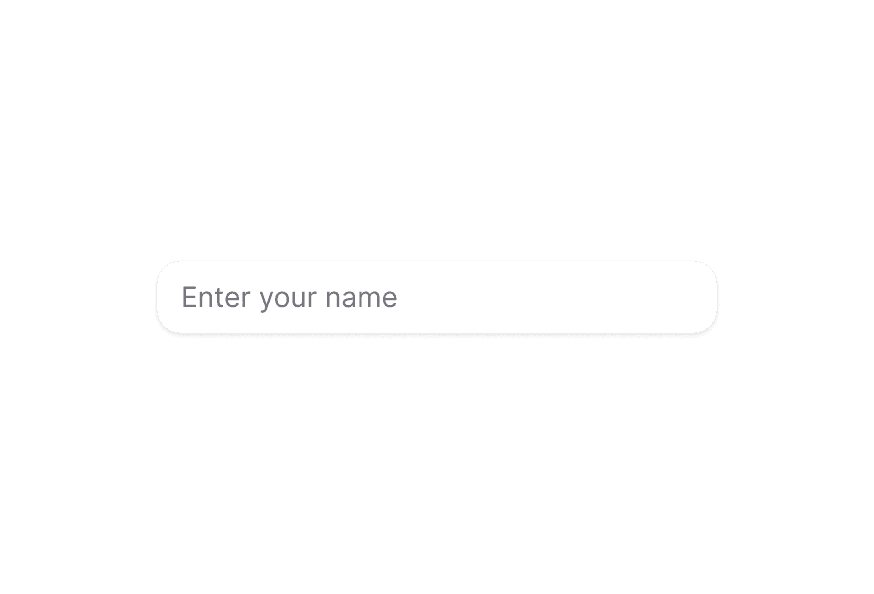
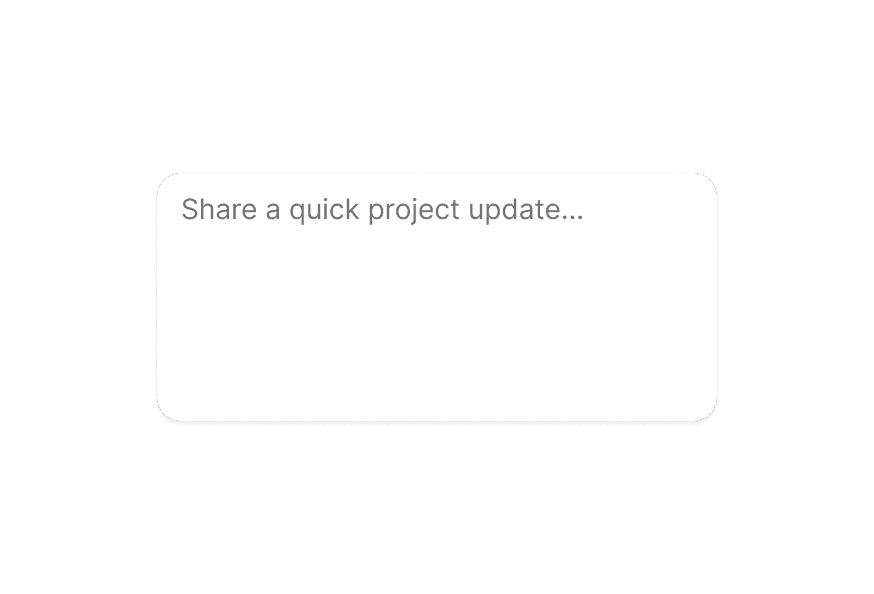
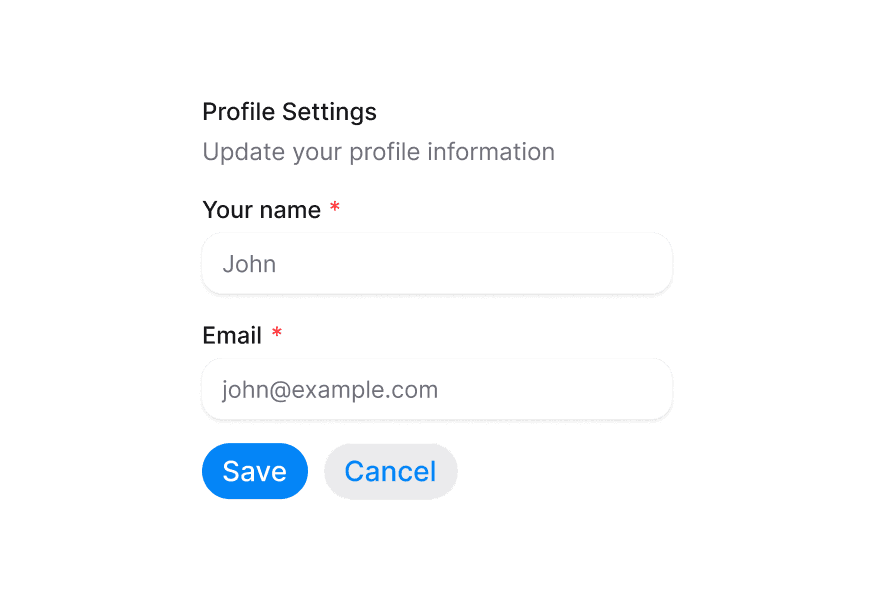
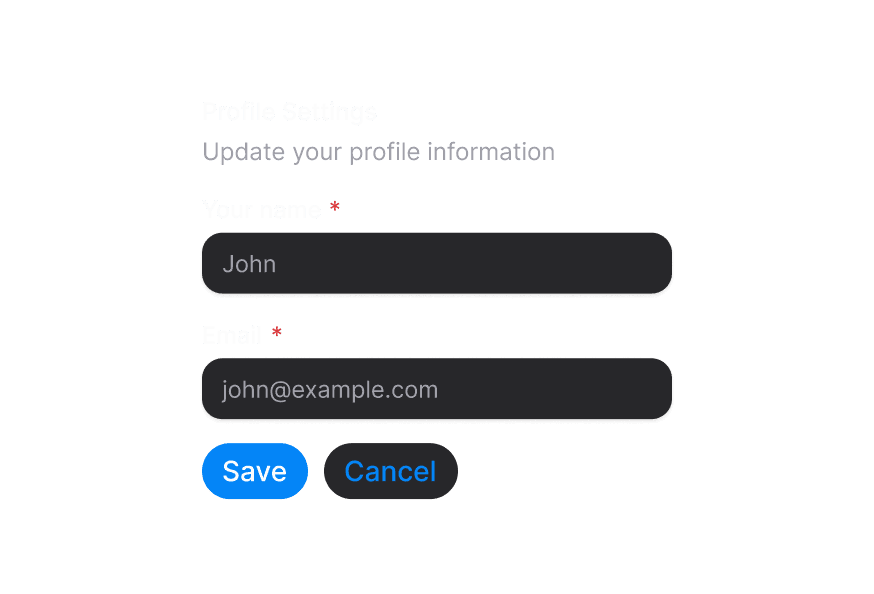
TextFieldUpdated
Composition-friendly text fields with labels, descriptions, and inline validation
Import
import { TextField } from '@heroui/react';Usage
import {Input, Label, TextField} from "@heroui/react";

export function Basic() {
  return (
    <TextField className="w-full max-w-64" name="email" type="email">
      <Label>Email</Label>
      <Input placeholder="Enter your email" />
    </TextField>
  );
}Anatomy
import {TextField, Label, Input, Description, FieldError} from '@heroui/react';

export default () => (
  <TextField>
    <Label />
    <Input />
    <Description />
    <FieldError />
  </TextField>
)
TextField combines label, input, description, and error into a single accessible component. For standalone inputs, use Input or TextArea.
With Description
import {Description, Input, Label, TextField} from "@heroui/react";

export function WithDescription() {
  return (
<TextField className="w-full max-w-64" name="username">Required Field
import {Description, Input, Label, TextField} from "@heroui/react";

export function Required() {
  return (
<TextField isRequired className="w-full max-w-64" name="fullName">Validation
Use isInvalid together with FieldError to surface validation messages.
"use client";

import {Description, FieldError, Input, Label, TextArea, TextField} from "@heroui/react";
import React from "react";
Controlled
Control the value to synchronize counters, previews, or formatting.
"use client";

import {Description, Input, Label, TextArea, TextField} from "@heroui/react";
import React from "react";
Error Message
import {FieldError, Input, Label, TextField} from "@heroui/react";

export function WithError() {
  return (
<TextField isInvalid className="w-full max-w-64" name="email" type="email">Disabled State
import {Description, Input, Label, TextField} from "@heroui/react";

export function Disabled() {
  return (
<TextField isDisabled className="w-full max-w-64" name="accountId">TextArea
Use TextArea instead of Input for multiline content.
import {Description, Label, TextArea, TextField} from "@heroui/react";

export function TextAreaExample() {
  return (
<TextField className="w-full max-w-64" name="message">Input Types
import {Input, Label, TextField} from "@heroui/react";

export function InputTypes() {
  return (
<div className="flex w-full max-w-64 flex-col gap-4">Full Width
import {FieldError, Input, Label, TextField} from "@heroui/react";

export function FullWidth() {
  return (
<div className="w-[400px] space-y-4">On Surface
When used inside a Surface component, TextField and its child Input/TextArea components automatically apply on-surface styling.
import {Description, Input, Label, Surface, TextArea, TextField} from "@heroui/react";

export function OnSurface() {
  return (
<Surface className="flex w-full min-w-[340px] flex-col gap-4 rounded-3xl p-6">Styling
Passing Tailwind CSS classes
import {TextField, Label, Input, Description} from '@heroui/react';

function CustomTextField() {
  return (
    <TextField className="gap-2 rounded-xl border border-border/60 bgsurface p-4 shadow-sm">
      <Label className="text-sm font-semibold text-default-700">
        Project name
      </Label>
      <Input className="rounded-lg border border-border/60 bgsurface px-3 py-2" />
      <Description className="text-xs text-default-500">
        Keep it short and memorable.
      </Description>
    </TextField>
  );
}
Customizing the component classes
TextField has minimal default styling. Override the .text-field class to customize the container styling.
@layer components {
  .text-field {
    @apply flex flex-col gap-1;
  }

  /* When invalid, the description is hidden automatically */
  .text-field[data-invalid="true"] [data-slot="description"],
  .text-field[aria-invalid="true"] [data-slot="description"] {
    @apply hidden;
  }

  /* Description has default padding */
  .text-field [data-slot="description"] {
    @apply px-1;
  }
}
CSS Classes
.text-field– Root container with minimal styling (flex flex-col gap-1)
Note: Child components (Label, Input, TextArea, Description, FieldError) have their own CSS classes and styling. See their respective documentation for customization options.
Interactive States
TextField automatically manages these data attributes based on its state:
- Invalid:
[data-invalid="true"]or[aria-invalid="true"]- Automatically hides the description slot when invalid - Disabled:
[data-disabled="true"]- Applied whenisDisabledis true - Focus Within:
[data-focus-within="true"]- Applied when any child input is focused - Focus Visible:
[data-focus-visible="true"]- Applied when focus is visible (keyboard navigation)
Additional attributes are available through render props (see TextFieldRenderProps below).
API Reference
TextField Props
TextField inherits all props from React Aria's TextField component.
Base Props
| Prop | Type | Default | Description |
|---|---|---|---|
children | React.ReactNode | (values: TextFieldRenderProps) => React.ReactNode | - | Child components (Label, Input, etc.) or render function. |
className | string | (values: TextFieldRenderProps) => string | - | CSS classes for styling, supports render props. |
style | React.CSSProperties | (values: TextFieldRenderProps) => React.CSSProperties | - | Inline styles, supports render props. |
fullWidth | boolean | false | Whether the text field should take full width of its container |
id | string | - | The element's unique identifier. |
Validation Props
| Prop | Type | Default | Description |
|---|---|---|---|
isRequired | boolean | false | Whether user input is required before form submission. |
isInvalid | boolean | - | Whether the value is invalid. |
validate | (value: string) => ValidationError | true | null | undefined | - | Custom validation function. |
validationBehavior | 'native' | 'aria' | 'native' | Whether to use native HTML form validation or ARIA attributes. |
validationErrors | string[] | - | Server-side validation errors. |
Value Props
| Prop | Type | Default | Description |
|---|---|---|---|
value | string | - | Current value (controlled). |
defaultValue | string | - | Default value (uncontrolled). |
onChange | (value: string) => void | - | Handler called when the value changes. |
State Props
| Prop | Type | Default | Description |
|---|---|---|---|
isDisabled | boolean | - | Whether the input is disabled. |
isReadOnly | boolean | - | Whether the input can be selected but not changed. |
Form Props
| Prop | Type | Default | Description |
|---|---|---|---|
name | string | - | Name of the input element, for HTML form submission. |
autoFocus | boolean | - | Whether the element should receive focus on render. |
Accessibility Props
| Prop | Type | Default | Description |
|---|---|---|---|
aria-label | string | - | Accessibility label when no visible label is present. |
aria-labelledby | string | - | ID of elements that label this field. |
aria-describedby | string | - | ID of elements that describe this field. |
aria-details | string | - | ID of elements with additional details. |
Composition Components
TextField works with these separate components that should be imported and used directly:
- Label - Field label component from
@heroui/react - Input - Single-line text input from
@heroui/react - TextArea - Multi-line text input from
@heroui/react - Description - Helper text component from
@heroui/react - FieldError - Validation error message from
@heroui/react
Each of these components has its own props API. Use them directly within TextField for composition:
<TextField isRequired isInvalid={hasError}>
  <Label>Email Address</Label>
  <Input type="email" value={email} onChange={(e) => setEmail(e.target.value)} />
  <Description>We'll never share your email.</Description>
  <FieldError>Please enter a valid email address.</FieldError>
</TextField>
TextFieldRenderProps
When using render props with className, style, or children, these values are available:
| Prop | Type | Description |
|---|---|---|
isDisabled | boolean | Whether the field is disabled. |
isInvalid | boolean | Whether the field is currently invalid. |
isReadOnly | boolean | Whether the field is read-only. |
isRequired | boolean | Whether the field is required. |
isFocused | boolean | Whether the field is currently focused (DEPRECATED - use isFocusWithin). |
isFocusWithin | boolean | Whether any child element is focused. |
isFocusVisible | boolean | Whether focus is visible (keyboard navigation). |